Motion Control Mimic
Motion Control Mimic
Transfer motion from a reference clip onto a target image.
Upload a clear character or subject image.
Upload a short motion clip. Duration is used for credit estimation.
Higher quality uses more credits per video second.
Image plus motion clip
Use a still image as the subject and a video as the motion source.
AI-generated illustrative sample
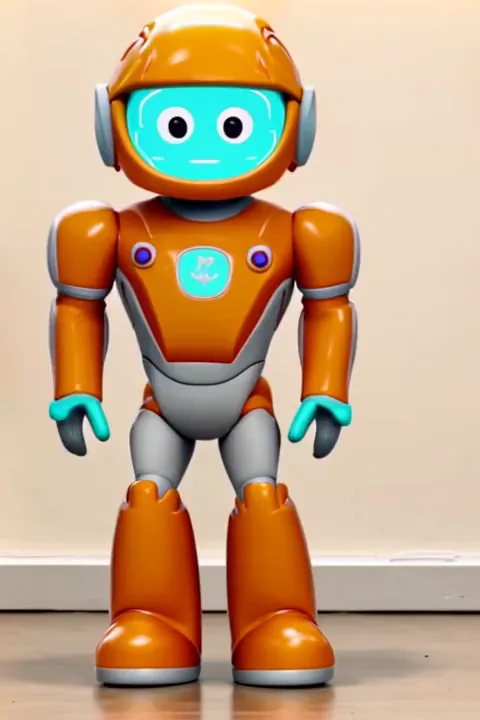
Turn a still subject into a natural animation by applying motion from a reference clip.
Why use it?
Motion from video
Use a reference clip to guide pose, timing, and body movement instead of writing a long prompt.
Quality control
Choose 360p, 540p, or 720p output depending on your draft, social, or production needs.
Duration-based credits
Pricing follows the selected quality: 20, 40, or 60 credits per second.
How it works
Upload image
Add the target image whose subject should follow the motion.
Upload motion clip
Add a reference video and wait for duration detection to estimate credits.
Generate and download
Pick quality, start processing, preview the result, and download the video.
FAQ
It transfers motion from a reference video onto a target image to create an animated video from a still subject.
Credits are calculated per second of the reference motion video, so the uploader needs to detect its length.
Use 360p for quick drafts, 540p for balanced previews, and 720p when you need a sharper result.
Use a clear subject image and a short motion clip where the action is easy to read.